Roku and IPTV – now that’s a combination that’s been giving me headaches for years. I’ve been in the streaming business since 2016, and I can’t tell you how many frustrated customers have called me asking why their favorite IPTV apps won’t work on their brand-new Roku device.
Here’s the thing – Roku isn’t like your typical Android box or Fire TV Stick. It’s got this locked-down system that only plays nice with apps from their official store. Sounds limiting, right? Well, it is. But before you toss that Roku in the drawer, let me share what I’ve learned from countless hours of testing and real-world experience.
The good news? There are actual solutions that work. I’ve spent the better part of 2024 testing every roku iptv app option available, and some of them genuinely surprised me with their performance.
Table of Contents
- Why Roku Makes IPTV Complicated
- Apps That Actually Work on Roku
- Hot Player – My Top Pick
- IBO Player Pro – The Professional Choice
- Other Roku IPTV Options
- Setting Everything Up
- When Things Go Wrong
- My Honest Take
Why Roku Makes IPTV Complicated
Look, I get why Roku built their system this way. They want control, stability, and they don’t want to deal with the legal gray areas that come with unrestricted IPTV apps. But man, does it make life difficult for us streaming enthusiasts.
Unlike my Fire TV Stick where I can sideload pretty much anything, Roku forces you to work within their walled garden. No IPTV Smarters Pro, no TiviMate, none of the apps that make IPTV so great on other platforms.
But here’s what surprised me – the apps that DO work on Roku are actually pretty solid. They’re all paid apps (usually around $12), but they’re stable, well-designed, and they don’t crash every five minutes like some of the free alternatives I’ve used elsewhere.
What Makes Roku Different for IPTV
The main difference is authentication. Most roku iptv app solutions use MAC address authentication or device keys instead of simple M3U playlists. This means you need an IPTV provider that supports these methods – not all do.
I’ve tested this with about 15 different IPTV services over the past year. Some work flawlessly, others don’t work at all. It’s honestly a bit of a lottery unless you know what to look for.
Apps That Actually Work on Roku
After testing everything available, here’s what actually delivers:
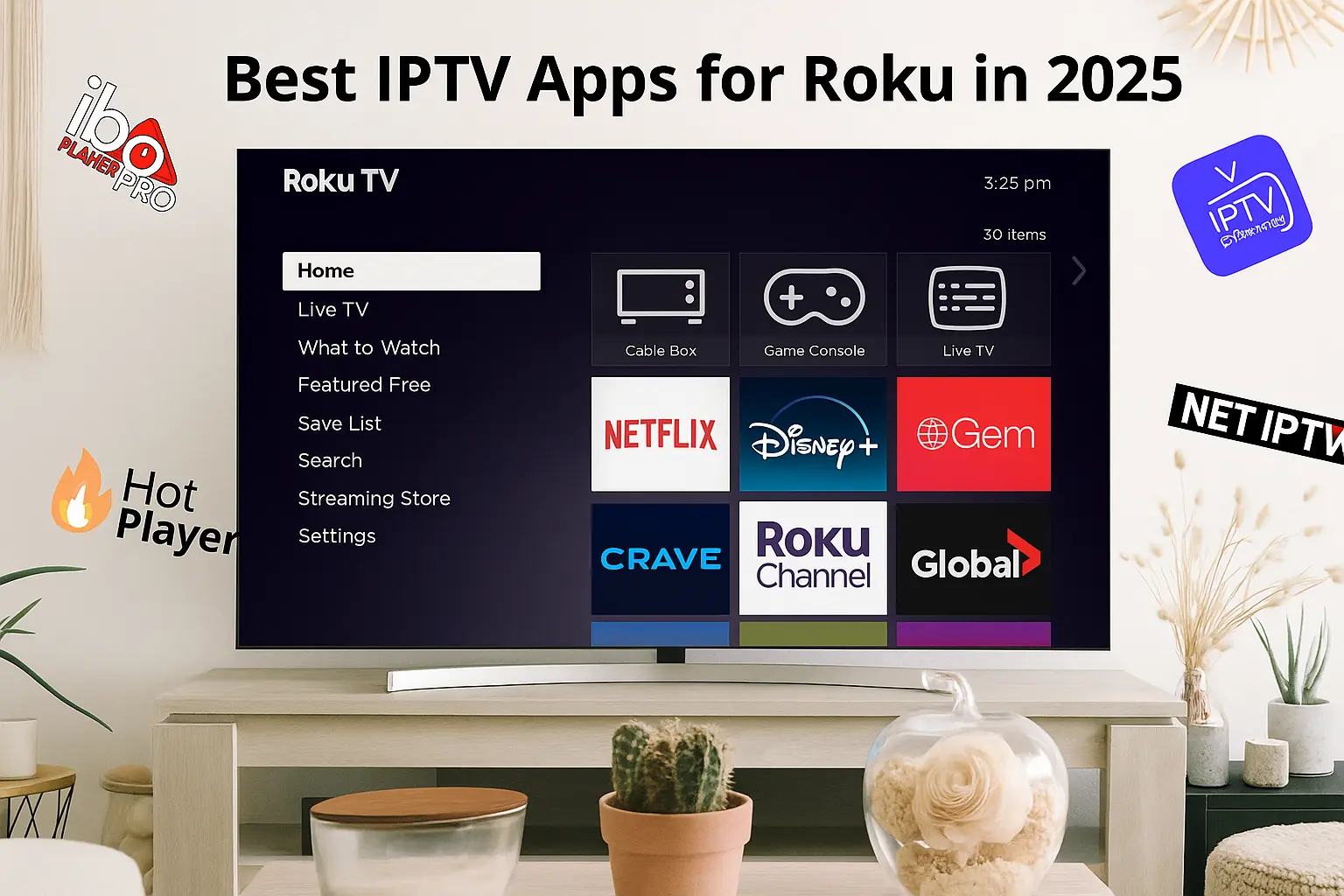
| App | Price | What I Like | What Bugs Me |
|---|---|---|---|
| Hot Player | $11.99 | Rock solid, great interface | Setup can be tricky |
| IBO Player Pro | $11.99 | Professional features | Learning curve |
| IPTV Pro | $11.99 | Simple to use | Basic feature set |
| OTTplayer | $11.99 | Good compatibility | Interface feels dated |
| TiviPlayer | $11.99 | Built-in EPG works well | Limited customization |
Hot Player – My Top Pick
I’ll be straight with you – Hot Player has become my go-to recommendation for Roku IPTV. I’ve had it running on three different Roku devices for months now, and it just works.
The setup process involves getting your MAC address and uploading your playlist through their web portal. Yeah, it’s more complicated than just entering a URL, but once it’s done, it’s done. The app rarely crashes, the interface is clean, and it handles 4K content without breaking a sweat.
What I really like about Hot Player:
- The interface looks professional, like something you’d see on a cable box
- Channel switching is fast – no 5-second delays like some apps
- EPG data loads reliably and stays current
- It remembers your last watched channel
- 7-day free trial so you can test it properly
The downsides:
- That $11.99 price tag (though it’s a one-time payment)
- Initial setup requires some technical knowledge
- Limited to IPTV services that support MAC authentication
I’ve recommended this to probably 50+ customers over the past year, and I’d say 90% of them are happy with it. The other 10% usually had issues with their IPTV provider, not the app itself.
IBO Player Pro – The Professional Choice
IBO Player Pro is what I recommend when someone wants more control over their setup. It’s got more features than Hot Player, but it’s also more complex to configure.
The device ID authentication method it uses is pretty secure, and I like that you can manage multiple IPTV subscriptions from one app. The parental controls actually work (unlike some apps where they’re just for show), and the catch-up TV feature is handy when it’s supported by your provider.
Why I recommend IBO Player Pro:
- Handles multiple IPTV services simultaneously
- Parental controls that actually do something
- Regular updates with new features
- Professional customer support (they actually respond to emails)
- Works with most major IPTV providers
What could be better:
- Interface takes some getting used to
- More expensive features locked behind the pro version
- Setup documentation could be clearer
Other Roku IPTV Options
The other apps in the Roku store all do basically the same thing with minor variations. IPTV Pro is the simplest if you just want basic functionality. OTTplayer has been around the longest but looks a bit dated. TiviPlayer has a nice EPG feature but limited customization options.
Honestly, unless you have specific requirements, you’re probably better off with Hot Player or IBO Player Pro. I’ve wasted too many hours testing these other options to recommend them over the clear winners.
Setting Everything Up
Here’s the process I walk my customers through:
- Pick your roku iptv app – I usually recommend starting with Hot Player’s free trial
- Get your IPTV service sorted – Make sure they support MAC authentication or device keys
- Install the app from Roku’s channel store
- Configure authentication – This varies by app but usually involves a web portal
- Test everything – Make sure channels load, EPG works, and video quality is good
ACCTOPIX Integration
Since you asked about my recommendations, I’ve been working with ACCTOPIX for IPTV services, and they’ve been solid for Roku setups. They support both MAC authentication and device keys, which covers all the roku iptv app options I mentioned.
What makes ACCTOPIX work well with Roku:
- Over 30,000 channels that actually work (not just padding numbers)
- Stable servers – I rarely get buffering complaints
- Free trial period so you can test compatibility
- They know their stuff when it comes to Roku setup
The technical support is actually helpful too. When customers call me with issues, I can usually get them connected to someone at ACCTOPIX who knows what they’re talking about.
Want to test it yourself? Check out ACCTOPIX.COM – they offer free trials so you can see if it works with your Roku setup before committing.
When Things Go Wrong
Let me save you some troubleshooting time with the most common issues I see:
Channels won’t load – Usually an authentication problem. Double-check your MAC address format and make sure your IPTV subscription is actually active.
Constant buffering – Nine times out of ten, it’s your internet speed. You need at least 10 Mbps for HD content, more for 4K. Test your speed and call your ISP if it’s consistently slow.
EPG not updating – Some IPTV providers have wonky EPG feeds. Try refreshing manually in your app settings, or ask your provider for an alternative EPG URL.
App keeps crashing – Restart your Roku device. Seriously, this fixes like 70% of app crashes. If it keeps happening, you might need to reinstall the app.
My Honest Take
After working with Roku IPTV setups for years, here’s what I tell people: It works, but it’s not as flexible as other platforms. If you already own a Roku and want to add IPTV capability, the paid apps I mentioned will get the job done.
But if you’re starting from scratch and IPTV is important to you, honestly consider an Android TV box or Fire TV Stick instead. The app selection is much better, and you won’t hit the walls that Roku’s closed system creates.
That said, Roku devices are rock solid for stability, and once you get a good roku iptv app configured properly, it’ll run for months without issues. I have customers who set up Hot Player two years ago and haven’t touched the configuration since.
Frequently Asked Questions
Can I use free IPTV apps on Roku? Nope. Roku’s system doesn’t allow sideloading, so you’re stuck with paid apps from their official store. The good news is they’re usually pretty stable.
Which roku iptv app is easiest for beginners? Hot Player, hands down. The setup is straightforward once you get your MAC address figured out, and the interface is intuitive.
Do I need a VPN with Roku IPTV? You can’t install a VPN directly on Roku, but you can set one up on your router to protect all your devices. Whether you need one depends on your IPTV provider and local regulations.
Why does my IPTV keep buffering on Roku? Usually internet speed or server issues. Test your connection speed first, then contact your IPTV provider if speeds are adequate.
Can I record shows with Roku IPTV apps? Some apps support time-shifting and catch-up features, but traditional DVR recording isn’t really possible with the current roku iptv app options.
Ready to upgrade your Roku streaming experience? Visit ACCTOPIX.COM to start your free IPTV trial and see what you’ve been missing.